Category: Updates
-
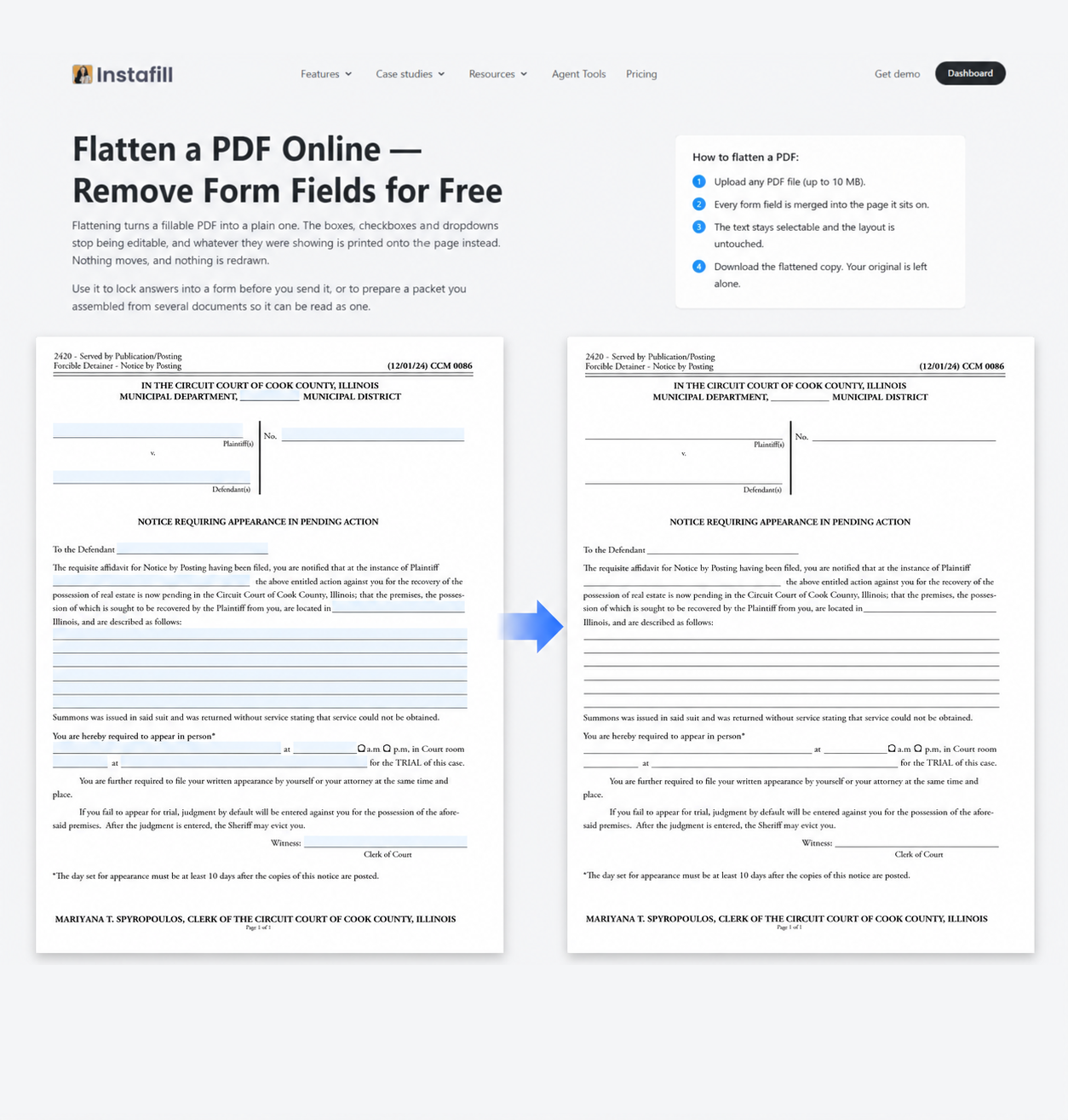
How to handle flat and fillable forms in the same PDF
Written by
on
Many business workflows involve more than one form. Court filings, healthcare credentialing, and mortgage closings are common examples, where several related documents may be handled together as part of the…
-

Upgraded AI models in Instafill.ai
Written by
on
We upgraded the AI models used across Instafill.ai. The new generation now powers the platform’s core AI workflows, and everyday processing is now faster. We have also added a separate…
-
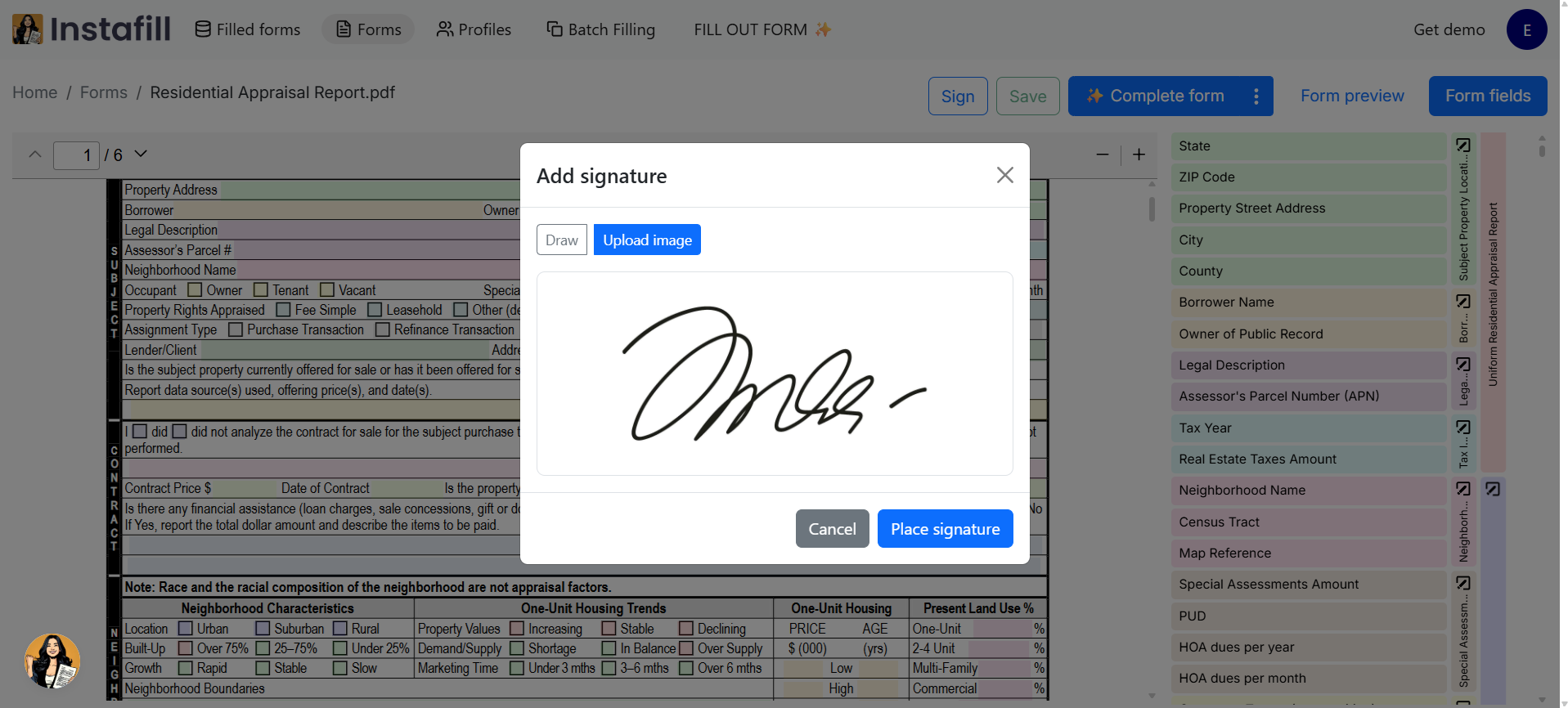
How to add a reusable signature to a PDF form template in Instafill.ai
Written by
on
If you regularly fill out the same PDF form, adding the same signature to every completed document creates unnecessary manual work. Instafill.ai now lets you add a reusable signature directly…
-
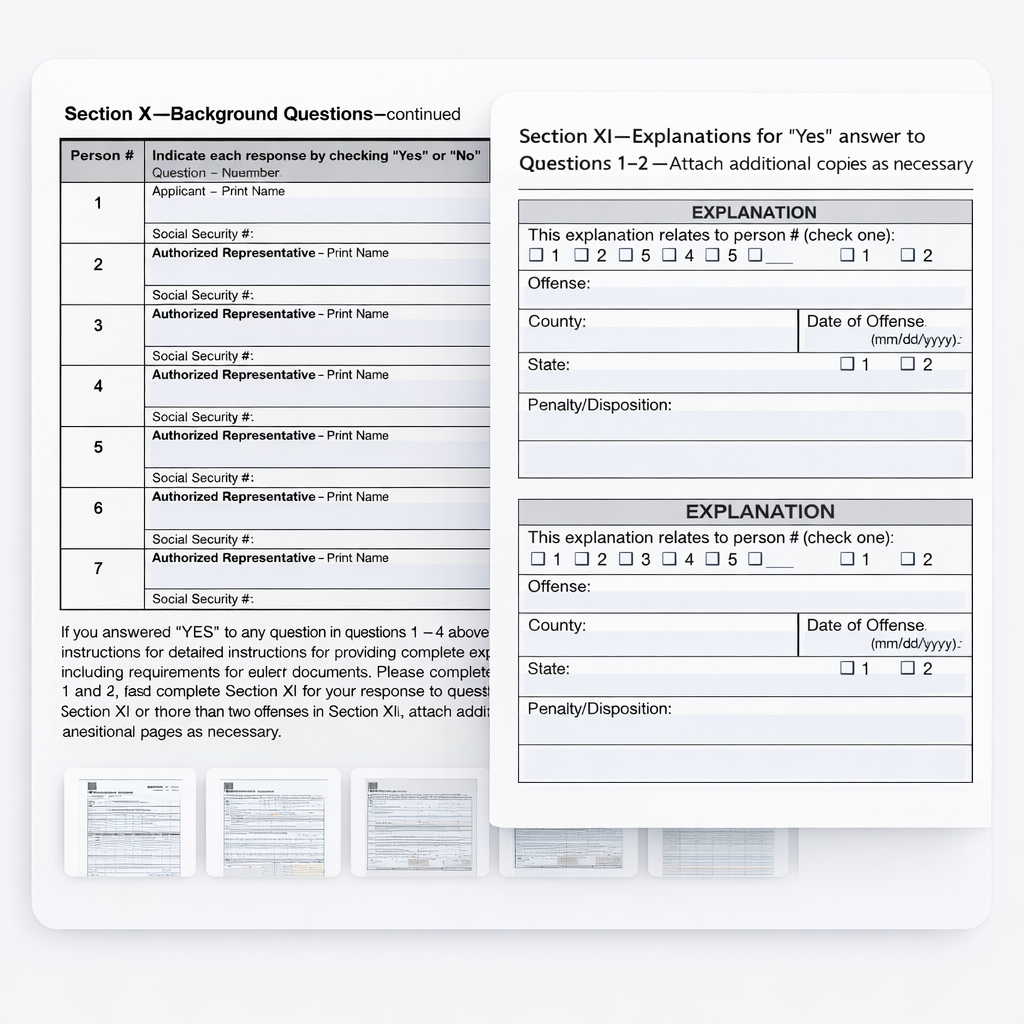
Instafill.ai core update: Repeated sections and row-by-row table filling
Written by
on
Some forms repeat the same group of fields several times – once for every job, person, property, owner, facility, or location. The sections may look nearly identical, but each one…
-
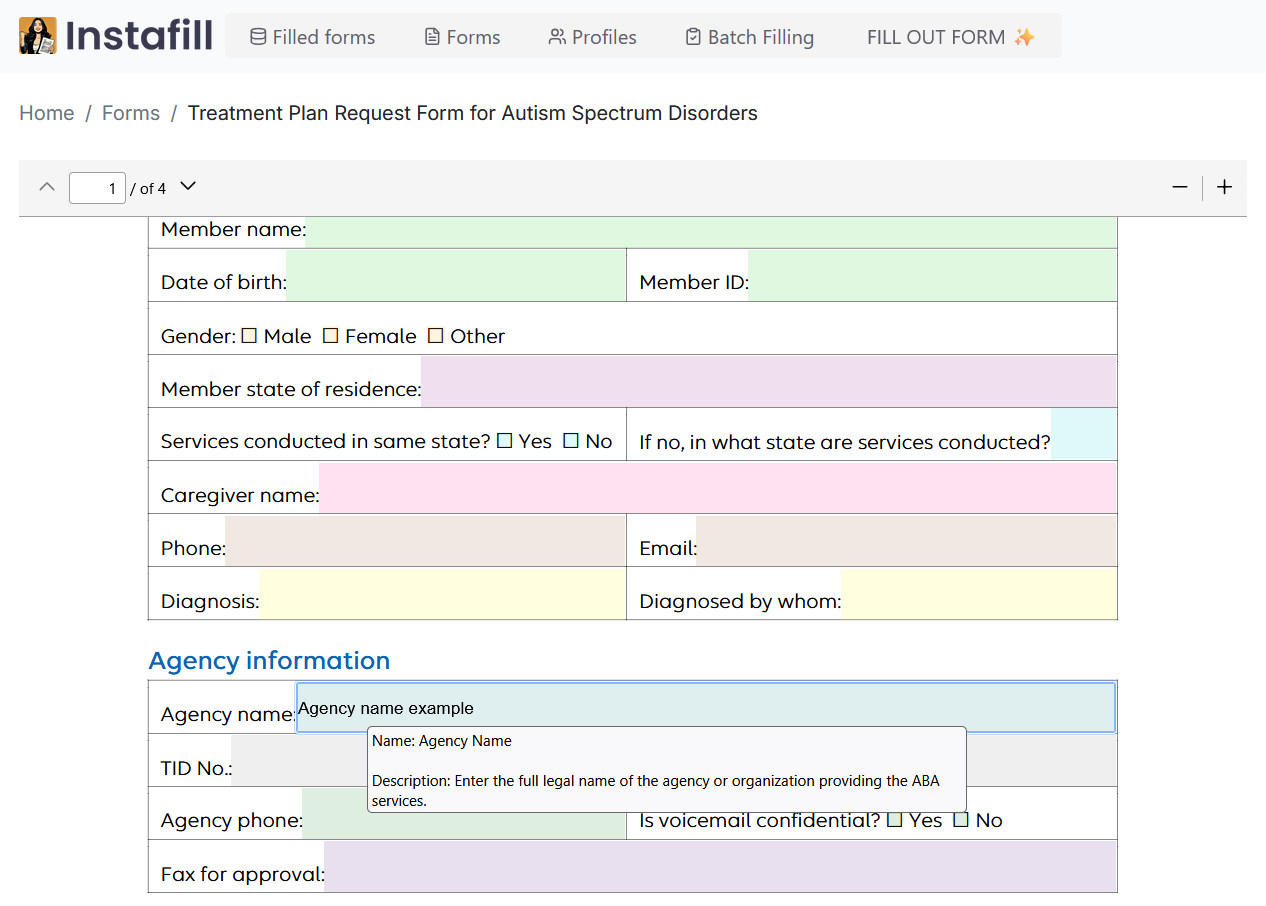
How to prepopulate PDF form fields with static data in Instafill.ai
Written by
on
Many organizations fill out multiple PDF forms that require the same repetitive information – such as a company’s name, address, phone number, email, etc. – over and over. Instafill.ai now…
-
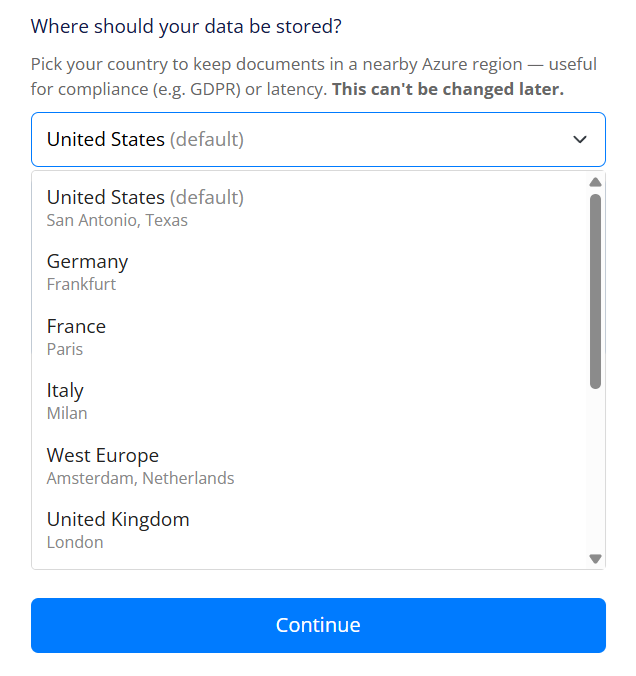
Choose where your data lives: introducing storage regions
Written by
on
Where your documents are physically stored matters. For some teams, it is a compliance requirement – GDPR, or data residency rules for healthcare, legal, or financial records. For others, it…
-

Request to fill: a new way to collaborate on your PDF documents
Written by
on
Sometimes you have a PDF, but you are not the person who should be filling it out. A preschool sends parents six onboarding forms – the parents complete them, not…
-

Choose where your data is processed: organization-level AI controls now available
Written by
on
We’re introducing a new organization-level control in Instafill.ai that gives you direct say over which AI infrastructure handles processing for your account. You can route all AI operations through Azure’s…
-
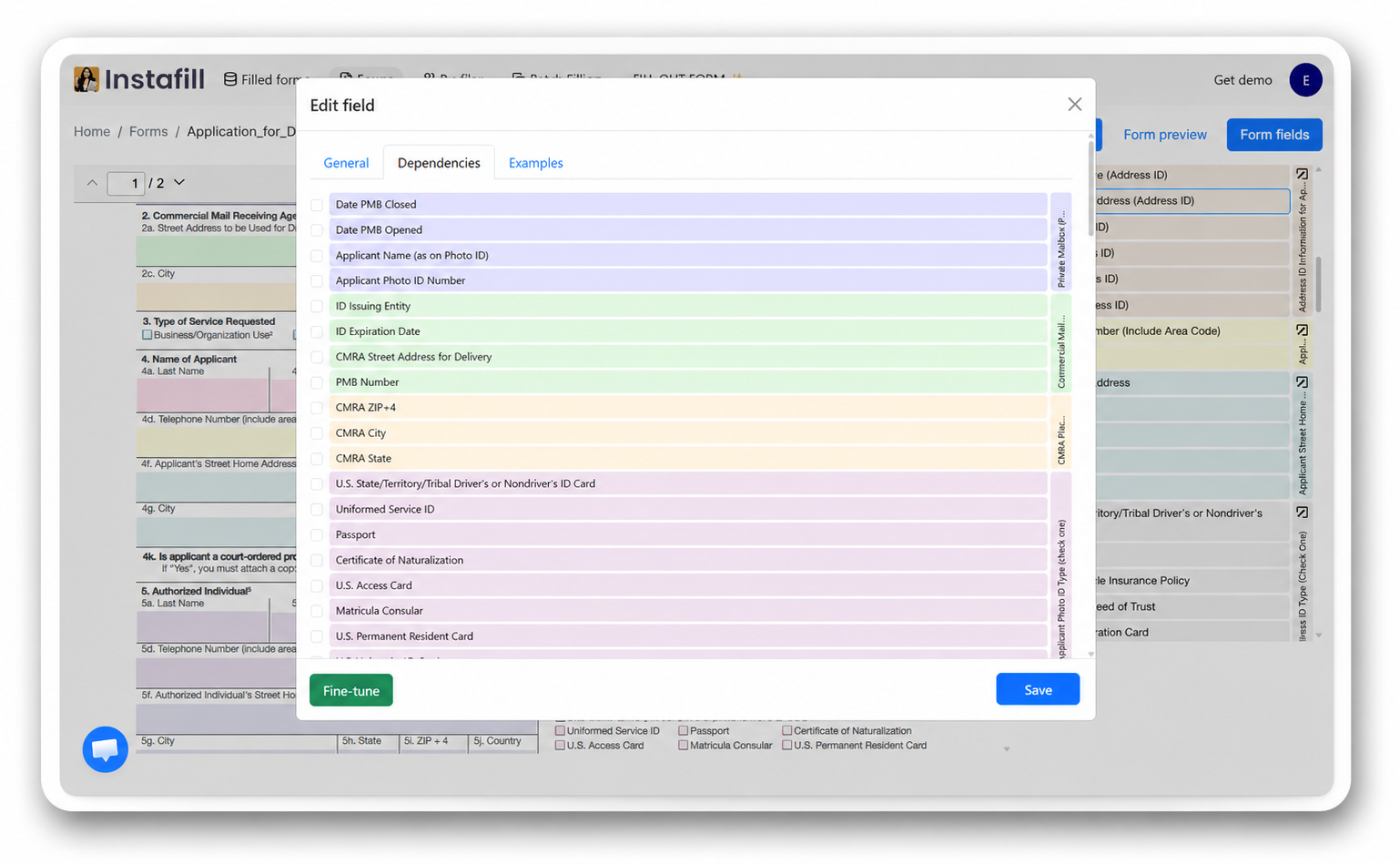
Introducing Instafill.ai’s Field editor – Power tool for advanced users
Written by
on
We’re excited to introduce the Field editor – a powerful new tool that gives you direct control over how Instafill.ai understands and processes your forms. This advanced feature enables you…
-
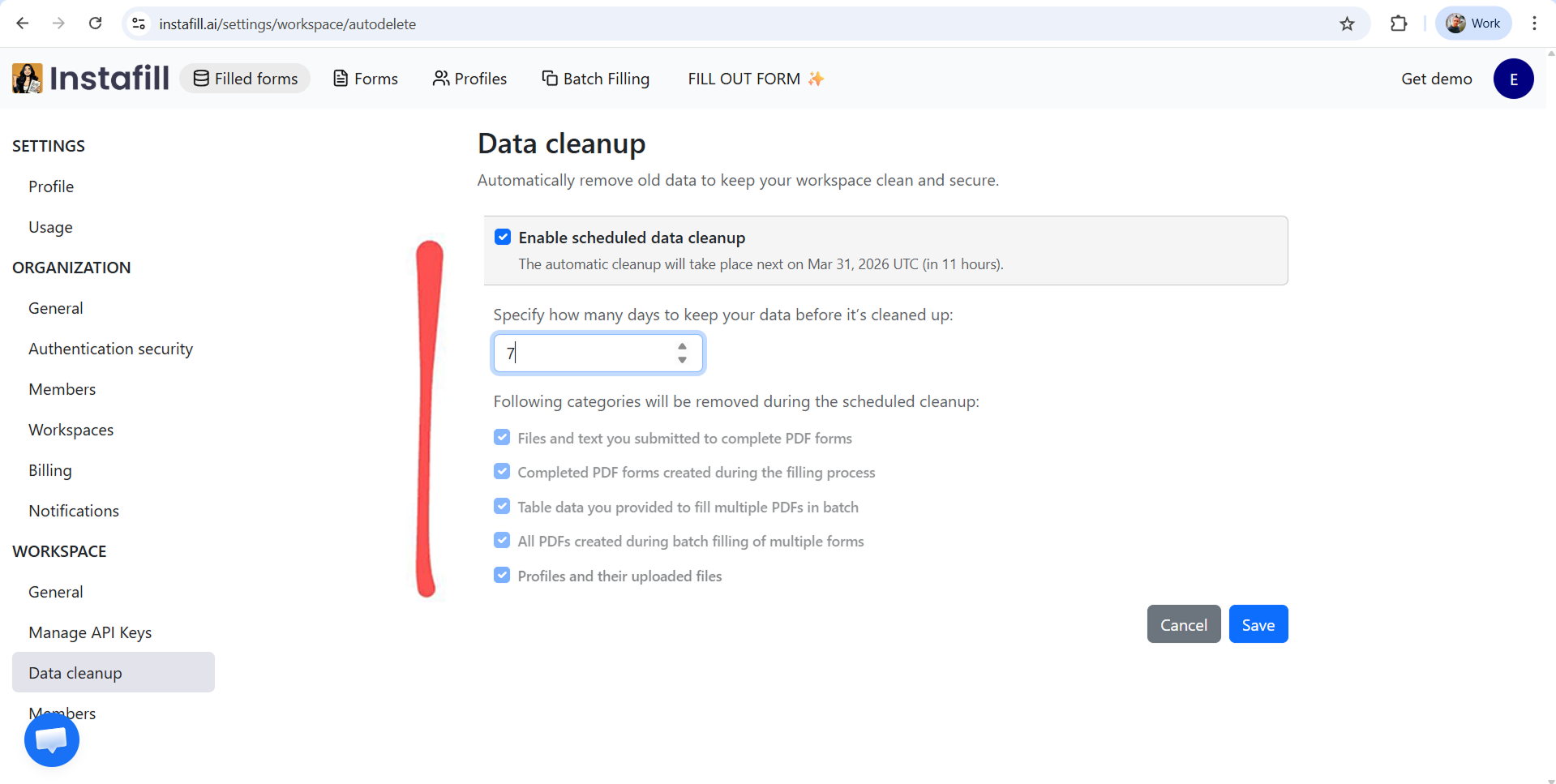
How to Use Automatic Data Cleanup in Instafill.ai
Written by
on
When processing legal, financial, healthcare, or other confidential documents, a clear data-retention policy is not optional. Instafill.ai provides automatic data cleanup so you can decide how long your data stays…