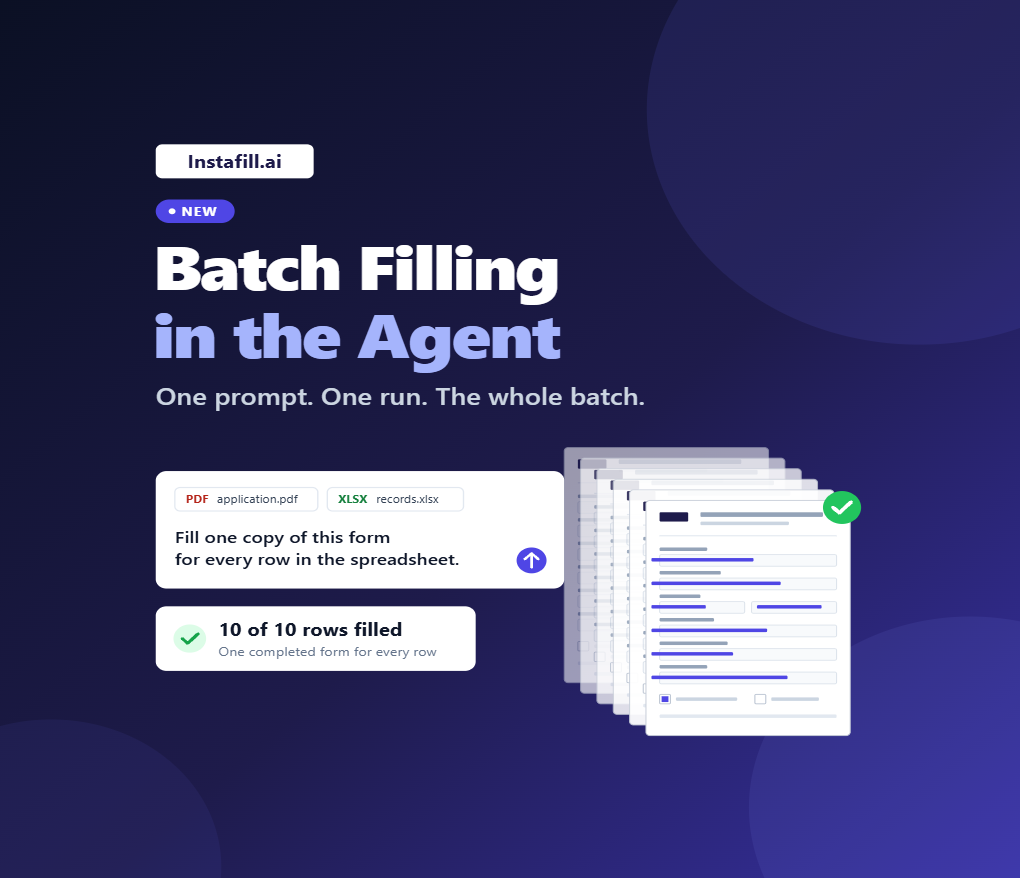
The Instafill.ai Agent can now handle Batch Filling. Attach a form and a spreadsheet, tell the Agent what you need once, and it handles the batch from there: one prompt, one run, one completed form for every row.
Available now in every account. Open Instafill.ai, click Agent, attach the form and spreadsheet, and describe what you need. The Agent takes it from there.
From one form to the whole batch
In September, we made the Instafill.ai Agent available in every account, with no custom setup. You tell the Agent what you want done in your own words, add the files it needs, and let it work from there.
Batch Filling is the next step. Instead of completing one form at a time, you can give the Agent a form and a spreadsheet, describe what you need once, and it can process the entire batch in a single run. That could be:
- a claim for every patient,
- a property form for every address,
- an insurance document for every account,
- or an intake form for every case.
If the data for those forms already lives in a spreadsheet, that spreadsheet becomes the input for the whole batch.
One prompt. One run. The whole batch.
Here’s what a batch looks like in the Agent:
10 rows or 100, the workflow stays the same: one prompt, one run, one completed form for every row.
How to run a batch with the Agent
Batch Filling or the Agent: which one should I use?
Instafill.ai already has Batch Filling. The Agent gives you a faster path when you would rather describe the result than configure the workflow. Same batch, two ways to run it.
A simple rule: if you run the same batch again and again, set it up once in Batch Filling. If you have a spreadsheet and a form in front of you right now, hand both to the Agent.
If you haven’t used Batch Filling before, our guide to bulk filling PDF forms walks through the setup, field mapping, and supported spreadsheet formats.
Powered by GPT-6 Sol
Batch work is about reliability at scale: the same form, filled again and again, with information carried accurately from each row into the final document.
The Agent runs on GPT-6 Sol, our primary working model for demanding AI workloads across Instafill.ai, including Agent and document processing workflows. OpenAI reports stronger performance on professional, multi-step work, and on OpenAI’s internal factuality evaluation, GPT-6 Sol makes about half as many mistakes as GPT-5.6 Sol. It’s also designed as a faster model to support work at scale, which matters when one run covers a full spreadsheet instead of a single form.
Working with protected health information
Batches like a claim for every patient often involve protected health information. For qualified customers, Instafill.ai can enable an OpenAI configuration designed for HIPAA-regulated workflows.
Instafill.ai has a signed Business Associate Agreement (BAA) with OpenAI. If your compliance or security team needs to review it, we can provide a copy and help you enable HIPAA mode for your workspace. OpenAI does not use API inputs or outputs to train its models by default.
Need an Agent built around your process?
If there’s a spreadsheet job you do every week, we’d like to hear what it is. Real tasks help shape what we build next.
If your workflow needs company-specific rules, knowledge, integrations, or custom document actions, we can set up a dedicated Agent around your process. Book a discovery call and show us how it works.
Frequently asked questions
Do I need to set anything up?
No. The Agent is available in every Instafill.ai account. Open Instafill.ai, click Agent, attach the form and spreadsheet, and describe what you need.
What do I need to start a batch?
A form and a spreadsheet with your data. Describe the result once, and the Agent creates one completed form for every row in the spreadsheet.
Does this replace the existing Batch Filling?
No. Batch Filling remains the best choice for a repeatable workflow you run again and again. The Agent is the faster path for a new or less structured job, when you would rather describe the result than configure the workflow.
Does the workflow change for larger batches?
No. 10 rows or 100, the workflow stays the same: one prompt, one run, one completed form for every row.
Can I use the Agent with protected health information?
For qualified customers, Instafill.ai can enable an OpenAI configuration designed for HIPAA-regulated workflows. Instafill.ai also has a signed BAA with OpenAI.
Related reading
- The Instafill.ai Agent is now available in every account: where to find the Agent, how to write a request, and your first run step by step.
- We upgraded the AI models to GPT-6 Sol: the model behind the Agent and our document processing workflows.
- How to bulk fill PDF forms automatically using an AI form filler: a full guide to the classic Batch Filling workflow.